Vault - Secrets
Creating the Vault's Structure
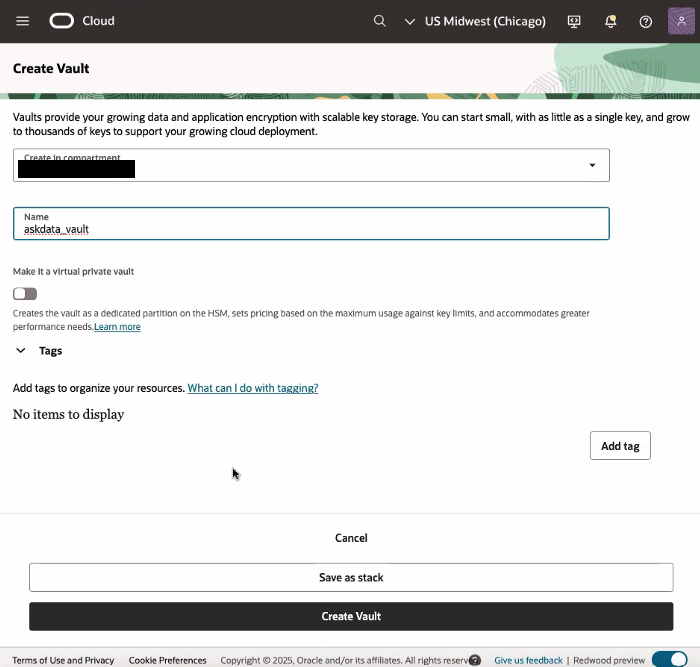
- This page assumes that the vault already exists. If not, see Create a New Vault
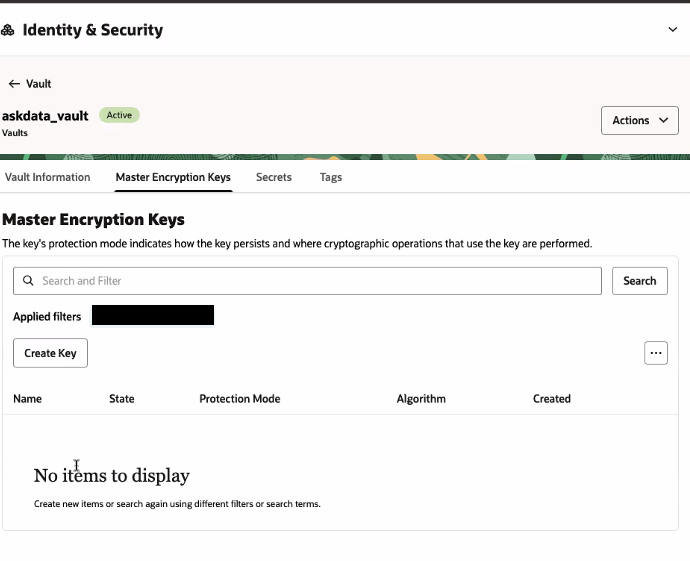
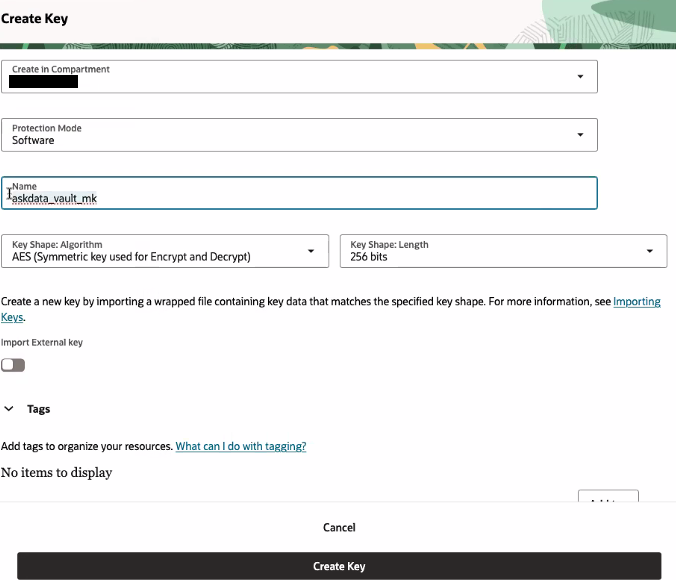
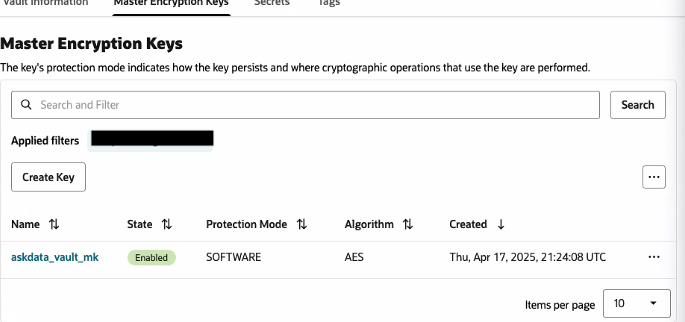
- We assume that the master key already exists. To create a key, see Create a New Key
Store an IDCS Client Secret in the Vault
- Sign in to your Oracle Cloud account as an administrator.
- In Oracle Cloud Infrastructure Console, navigate to Identity & Security, and click Domains.
- Click the name of the identity domain, and click Integrated applications.
- Search, view the details of the application (for example, inception_dev_01) and fetch client secret value.
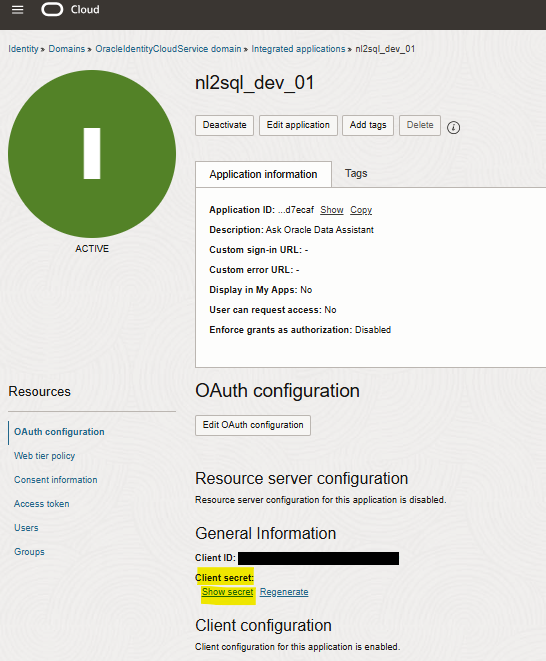
- To store client secret in vault’s secret, navigate to vault page (for example, inception-vault).
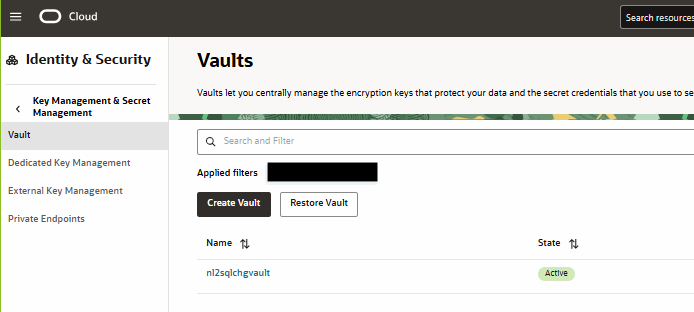
- Navigate to Secrets tab, click ‘Create Secret’ button
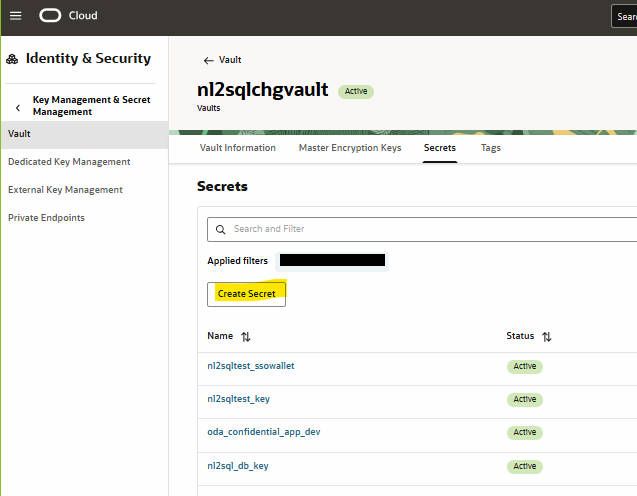
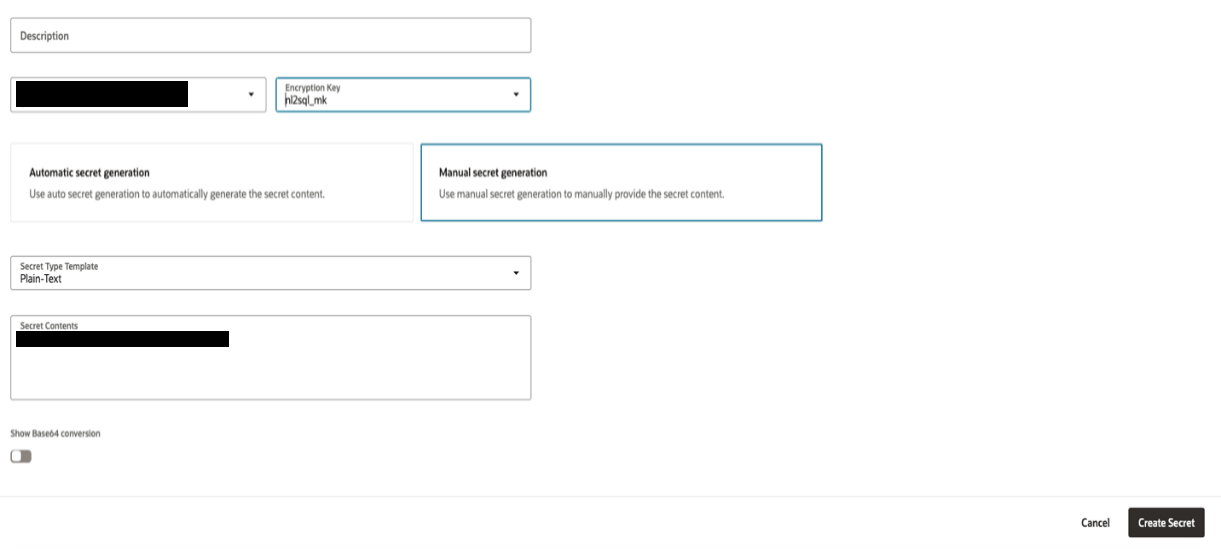
- Enter
- Compartment: for example, inception-compartment
- Name: for example, inception_confidential_app_dev
- Description
- Encryption Key Compartment: for example, inception-compartment
- Encryption Key: pick an existing master key, for example, inception_mk
- Manual secret generation
- Secret Type Template: Plain-Text
- Secret Contents: \<enter the IDCS app client secret>
- Secret rotation: \<keep default>
With this, you will have the IDCS client Secret stored (and accessible) in the Vault. Use similar steps for other secrets like ADB credentials or API keys needed in recipes/MCP servers.